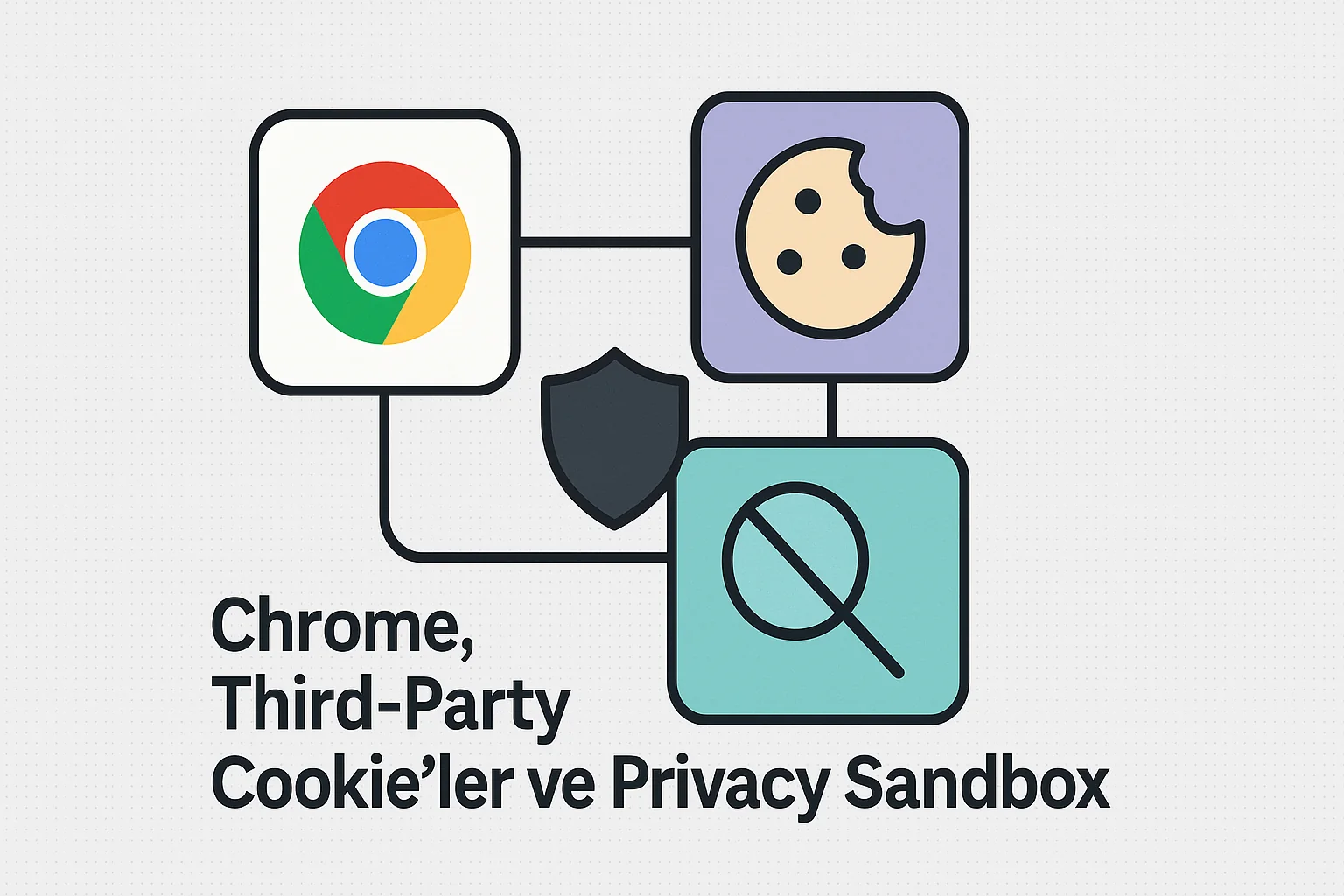
For many years, the web operated with a simple assumption: When you entered a site, third-party cookies that could recognize you on other sites would silently be activated. Much of the advertising, analytics and measurement world was built on this structure.
This model is no longer sustainable. tracking mechanism is changing radically as user privacy, regulations (GDPR, ePrivacy) and browsers change direction. Google Chrome’s answer to this transformation is Privacy Sandbox.
What is a Third-Party Cookie and Why Is It a Problem?
A third-party cookie is a cookie that belongs not to the site you are visiting, but to another domain embedded in the page. For example:
- Ad networks
- Analytical services
- Social media embeds
Thanks to these cookies:
- The same user is recognized on different sites,
- Behavior profile is created,
- Ad targeting is done.
The problem starts here:
- The user is often unaware,
- Control is entirely in the hands of third parties,
- Data moves freely between sites.
Regulations and user expectations positioned this as a privacy violation.
What Did Browsers Do?
The first radical move came from Safari and Firefox:
- Third-party cookies are blocked by default,
- Tracking prevention mechanisms were put into effect.
Chrome, however, chose a different path. Instead of shutting it down completely, he suggested a controlled and browser-centric model. At this point, Privacy Sandbox came into play.
What is Privacy Sandbox?
Privacy Sandbox is based on Chrome’s claim that:
“Advertising and measurement can be done, but user-based tracking should not be done.”
The main axes of this approach are:
- The user is not tracked individually,
- The browser processes the data internally,
- There is no sharing of personal data between sites.
In short, the tracking logic is moved from the server to the browser**.
How Does It Work? (High Level)
Privacy Sandbox relies on several main APIs.
1. Interest Based Advertising (Topics API)
- The browser looks at the sites the user visits and infers general interests (e.g. “Travel”, “Technology”).
- Advertisers see these headlines, not the user.
- Anonymous segments are created instead of a personal profile.
2. Remarketing (Protected Audience API)
- Does not do user-based retargeting.
- It works through groups kept within the browser.
- Ad auctions take place client-side; The data does not exit the browser.
3. Measurement and Conversion (Attribution Reporting)
- “Which ad brought conversions?” answers the question.
- Detailed user journey is not shared.
- Produces delayed and aggregated reports.
What’s the Difference with Tracking Prevention?
Tracking prevention (Safari / Firefox):
- “This job is dangerous, I’m shutting it down.”
Privacy Sandbox (Chrome):
- “I keep this need under control.”
Chrome aims to create a new standard rather than completely breaking the ecosystem.
What Does It Mean for Developers and Products?
This transformation particularly affects the following areas:
- Analytics infrastructures,
- Advertising measurement systems,
- Consent and cookie management,
- Cross-site user tracking.
New reality:
- First-party data is much more valuable,
- Server-side tracking stands out,
- Event-based and aggregate measurement is gaining importance.
The era of “Let me know every user everywhere” is coming to an end.
Where Are We Today?
- Chrome is gradually disabling third-party cookies.
- Privacy Sandbox APIs are in the testing and rollout phase.
- Regulations support this direction.
It is not a road of return.
Result
The web is not closed yet; becoming more controlled. Tracking does not end completely, but it evolves into a user-centered and browser-controlled structure.
For developers, this isn’t just a technical change; also mindset change. Privacy Sandbox is on the cusp of being adopted as the new default, balancing advertising and measurement needs with privacy.