We start by assuming that nodejs, npm and ng have been installed, we will publish the Angular library in this process.
First of all, we create our library with Angular CLI. For detailed information, click
ng new my-workspace --create-application=false
cd my-workspace
ng generate library my-lib
After making the necessary additions and improvements, we build. In this section, tests etc. are completed.
ng build my-lib
Afterwards, if our library is ready, we have come to the publishing stage. I am using nexus repo here. I will publish to my own repo.
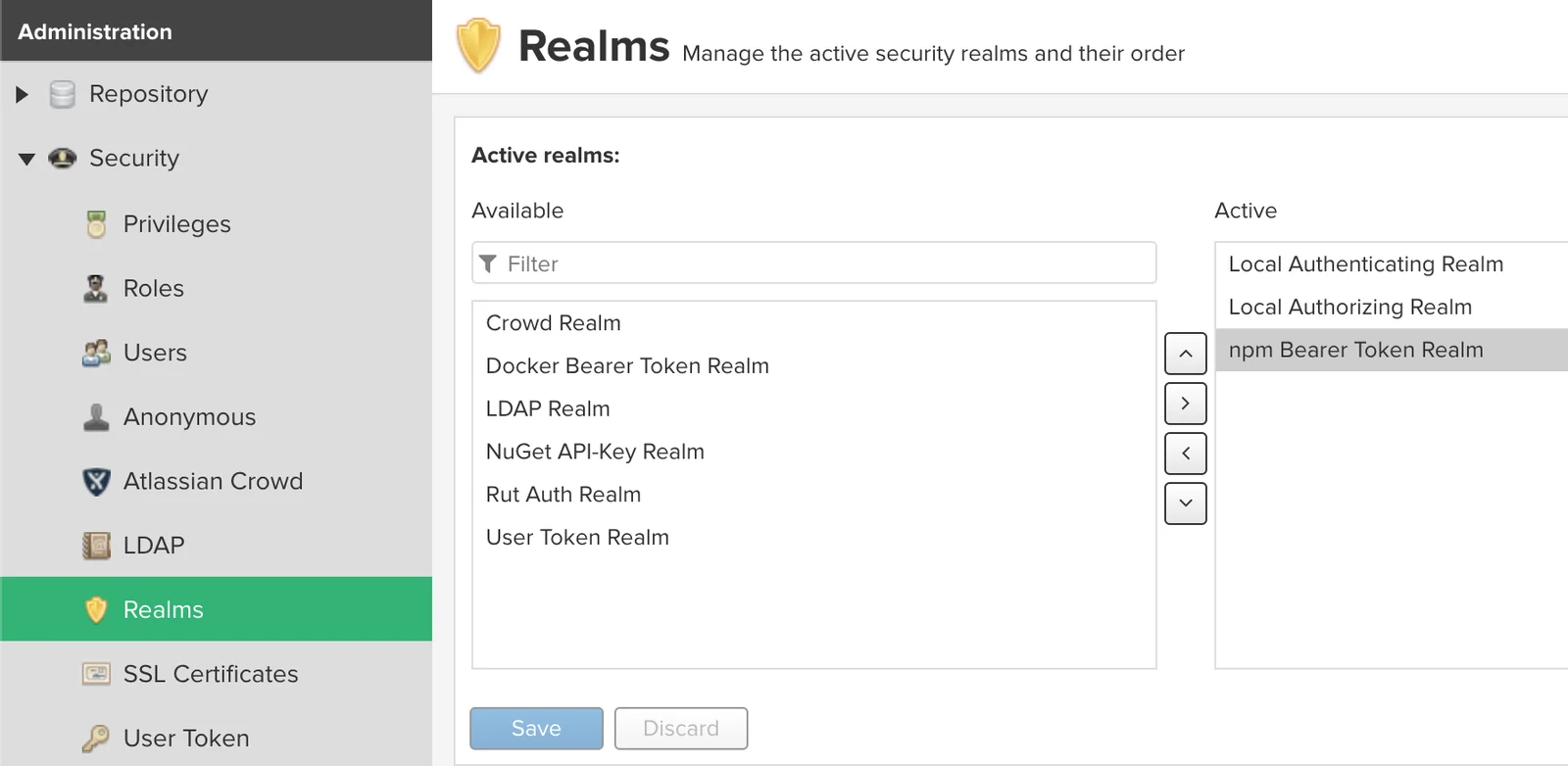
First of all, let’s activate the npm bearer token realm in the realm definitions in our nexus repo.
We must add publish cofngi to the library’s package.json file as follows
  "publishConfig": {
    "registry": "http://nexus.fmarslan.com/repository/npm-repository"
  }
We are adding users to npm repo
npm adduser --registry=http://nexus.fmarslan.com/repository/npm-repository/ --always-auth
We compile and publish.
ng build my-lib --prod
cd dist/my-lib
npm publish
We check and verify that it is loaded.